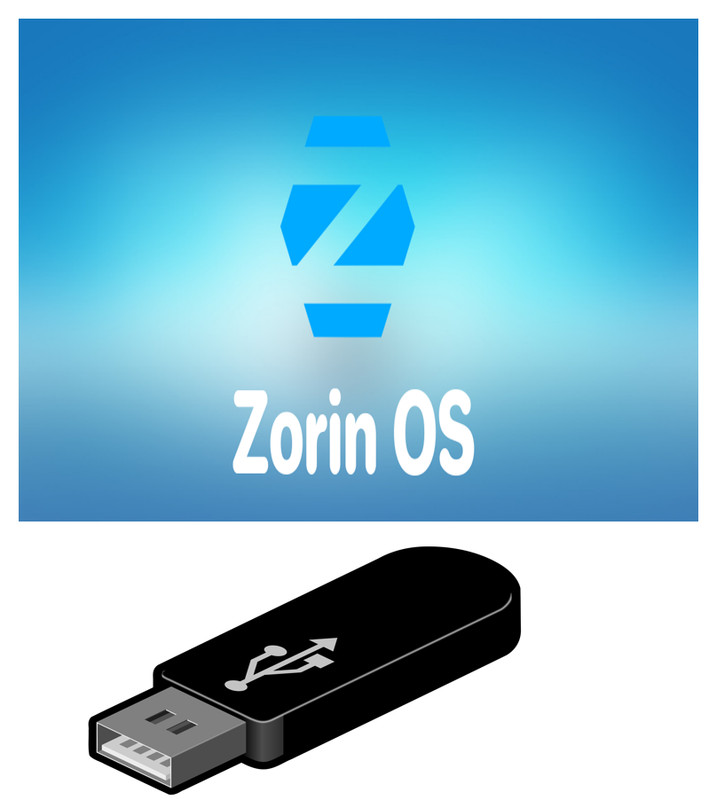

Zorin OS 17.2 CORE 64bit USB Linux Bootable FLASH DRIVE Live or Install
Zorin OS 17.2 CORE 64-bit on USB Flash DriveCompatible with most newer laptops & PCs (not for Macs or Apple devices)Fresh, non-persistent system – Resets after each bootBoot live or install – Easy to use on multiple devicesSmooth, user-friendly experience right from the startRun directly from the USB – Ensure your PC supports USB boot and adjust BIOS settings if neededFast & safe shipping – Packaging may be non-originalPerfect for testing or installing Zorin OS on multiple systems How to Boot:Insert the USB and reboot your PC.Depending on your motherboard, use a temporary boot menu or enter BIOS/UEFI to select boot from USB.Common key combinations to access boot options: ESC, F1, F2, F3, F4, F8, F10, F11, F12, or DEL.
Specifications
| Return Shipping Will Be Paid By | Buyer |
| All Returns Accepted | Returns Accepted |
| Item Must Be Returned Within | 30 Days |
| Refund Will Be Given As | Money Back |
| Platform | Linux |
| License Category | open source |
| Minimum RAM | 2 GB |
| MPN | 008 |
| For Operating Systems | Linux |
| California Prop 65 Warning | No Problems |
| Operating Systems | Zorin OS Linux |
| Brand | ZORIN OS |
| Type | Live USB |
| Format | USB |
| Unit Type | Unit |
| Minimum Hard Drive Space | Live USB |
| Language | English |
| Model | Zorin |
| Minimum Processor Speed | 2 GHz |
| Country/Region Of Manufacture | United States |
| Number Of Devices | Unlimited |
Zorin OS 17.2 CORE 64-bit on USB Flash DriveCompatible with most newer laptops & PCs (not for Macs or Apple devices)Fresh, non-persistent system – Resets after each bootBoot live or install – Easy to use on multiple devicesSmooth, user-friendly experience right from the startRun directly from the USB – Ensure your PC supports USB boot and adjust BIOS settings if neededFast & safe shipping – Packaging may be non-originalPerfect for testing or installing Zorin OS on multiple systems How to Boot:Insert the USB and reboot your PC.Depending on your motherboard, use a temporary boot menu or enter BIOS/UEFI to select boot from USB.Common key combinations to access boot options: ESC, F1, F2, F3, F4, F8, F10, F11, F12, or DEL.