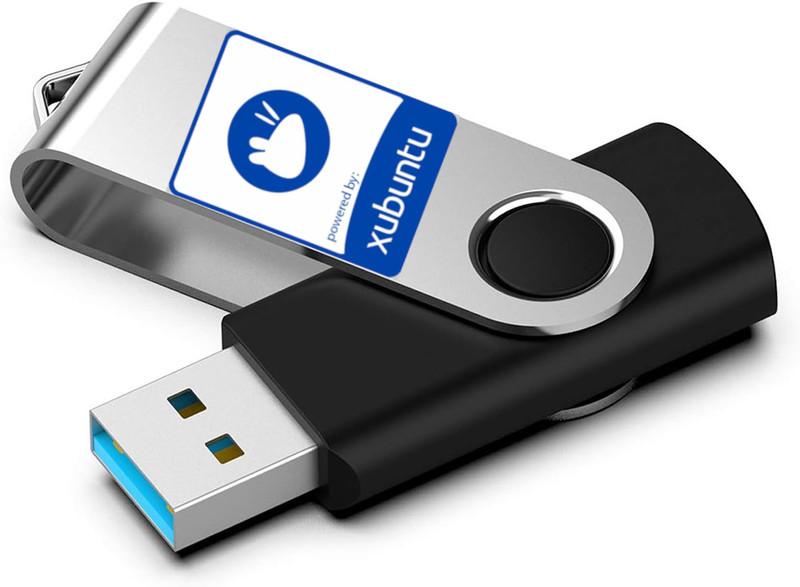



Xubuntu latest version Live, Installable DVD or USB Flash Drive.
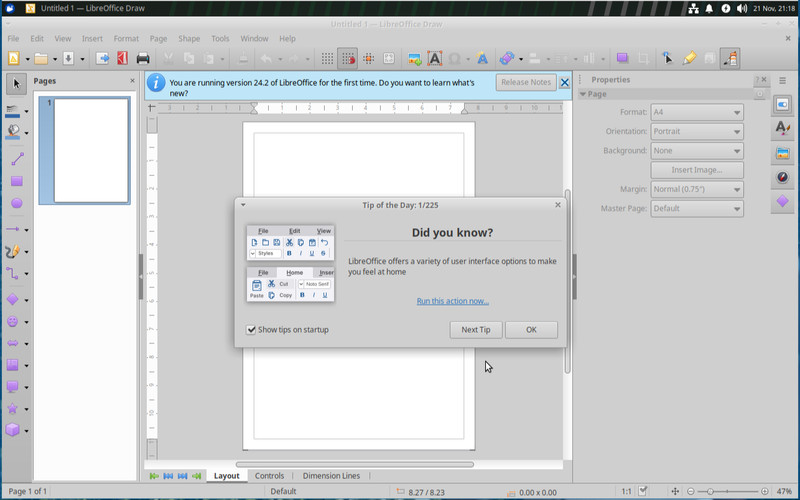
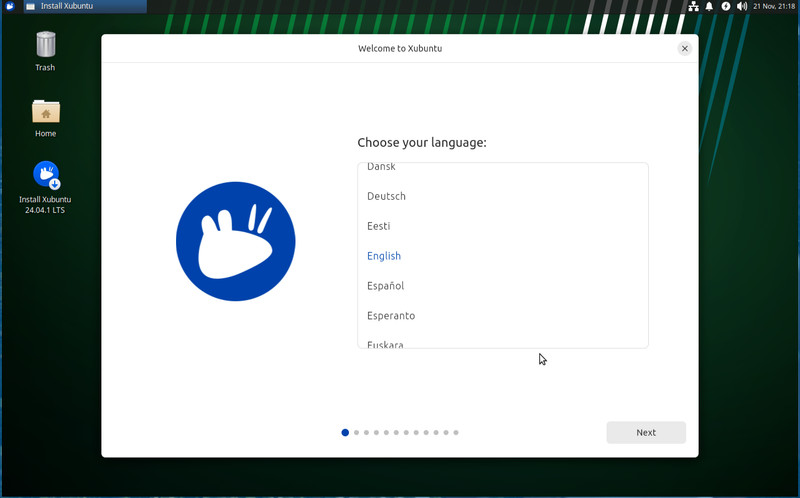
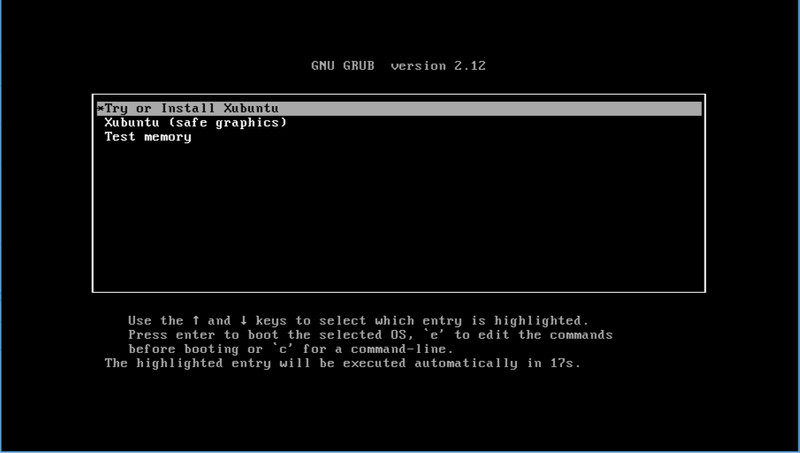
What is Xubuntu?Xubuntu is a flavor of Ubuntu featuring the XFCE desktop environment (hence the “X” in the name). It’s supposed to strip down Ubuntu for a more minimalist (yet super configurable and supported) experience.But most importantly for our purpose here, Xubuntu is purposefully optimized for lower-end hardware. One part of that is its default desktop environment. XFCE has a reputation for consuming less resources than Gnome and other popular desktop environments. It lacks the flash and pizzazz of modern desktop environments (no colorful UIs, fancy animations, or flashy transitions). At the same time, you can configure every aspect of the interface to make it fit your workflow.From the very first boot, most apps you need to get working are right there in the app menu. The full LibreOffice suite (including Libre Draw), a mail client, GIMP (for image manipulation), and Mozilla Firefox are packaged with the installation. Plus, it has two GUI software stores to download any other apps: App Center and Synaptic Package Manager.That’s what the developers promised. We’ll see how it does on an ancient laptop with a little over 4GB of RAM and a dual-core CPU. In the end, I'll compare the Xubuntu experience against the standard Ubuntu on the same machine.How to Install XubuntuXubuntu recommends at least 2GB of RAM and 1.5GHz dual-core CPU. The OS takes about 9GB of storage on your disk. And it’s compatible with 64-bit NVIDIA and AMD chips.To install, you’ll need to create a bootable USB using the ISO files available on the Xubuntu website. Xubuntu comes in two variants: Xubuntu desktop and Xubuntu minimal. The minimal version has fewer preinstalled packages and takes up less space. I'm installing the full desktop version in this demo.Once you have a bootable USB (or DVD), enter the temporary boot menu on your device to boot from the media. You might have to configure the BIOS to make that work.When you boot into Xubuntu, you’ll be asked to “Try to Install Xubuntu.” Select that mode, and it’ll drop you into the Xubuntu desktop. From here, you can test drive the OS or install it on metal.Click the “Install Xubuntu” shortcut on the desktop. The installer is a simplified but almost identical version of the Ubuntu installer. You just have to point-and-click to install the OS on your machine.You might need some technical know-how of GParted and how Linux partitions work to install it alongside another OS. I’m doing a full, single install here, so I chose “Erase Disk and Install Xubuntu.”It only takes a few minutes on modern computers, but the installer ran for about 30 minutes on this laptop. After that, it reboots and drops you on the login screen.
Specifications
| All Returns Accepted | ReturnsNotAccepted |
| Brand | Xubuntu |
| Type | Operating System |
| Format | Flash Drive |
| Minimum Hard Drive Space | 10 GB |
| License Category | Open Source / GPL |
| Minimum RAM | 1 GB |
| For Operating Systems | Linux |
| Number Of Devices | Unlimited |
What is Xubuntu?Xubuntu is a flavor of Ubuntu featuring the XFCE desktop environment (hence the “X” in the name). It’s supposed to strip down Ubuntu for a more minimalist (yet super configurable and supported) experience.But most importantly for our purpose here, Xubuntu is purposefully optimized for lower-end hardware. One part of that is its default desktop environment. XFCE has a reputation for consuming less resources than Gnome and other popular desktop environments. It lacks the flash and pizzazz of modern desktop environments (no colorful UIs, fancy animations, or flashy transitions). At the same time, you can configure every aspect of the interface to make it fit your workflow.From the very first boot, most apps you need to get working are right there in the app menu. The full LibreOffice suite (including Libre Draw), a mail client, GIMP (for image manipulation), and Mozilla Firefox are packaged with the installation. Plus, it has two GUI software stores to download any other apps: App Center and Synaptic Package Manager.That’s what the developers promised. We’ll see how it does on an ancient laptop with a little over 4GB of RAM and a dual-core CPU. In the end, I’ll compare the Xubuntu experience against the standard Ubuntu on the same machine.How to Install XubuntuXubuntu recommends at least 2GB of RAM and 1.5GHz dual-core CPU. The OS takes about 9GB of storage on your disk. And it’s compatible with 64-bit NVIDIA and AMD chips.To install, you’ll need to create a bootable USB using the ISO files available on the Xubuntu website. Xubuntu comes in two variants: Xubuntu desktop and Xubuntu minimal. The minimal version has fewer preinstalled packages and takes up less space. I’m installing the full desktop version in this demo.Once you have a bootable USB (or DVD), enter the temporary boot menu on your device to boot from the media. You might have to configure the BIOS to make that work.When you boot into Xubuntu, you’ll be asked to “Try to Install Xubuntu.” Select that mode, and it’ll drop you into the Xubuntu desktop. From here, you can test drive the OS or install it on metal.Click the “Install Xubuntu” shortcut on the desktop. The installer is a simplified but almost identical version of the Ubuntu installer. You just have to point-and-click to install the OS on your machine.You might need some technical know-how of GParted and how Linux partitions work to install it alongside another OS. I’m doing a full, single install here, so I chose “Erase Disk and Install Xubuntu.”It only takes a few minutes on modern computers, but the installer ran for about 30 minutes on this laptop. After that, it reboots and drops you on the login screen.