

Visio 3.0 Publishing/Graphics for OS/2 2.x & higher with WinOS2, Win3.x/95/98/NT
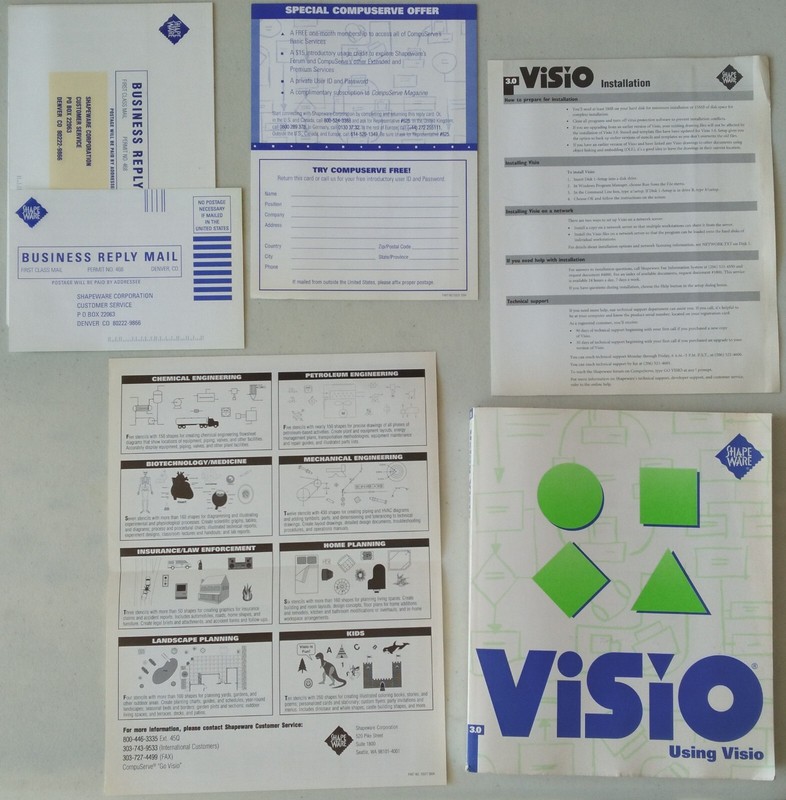
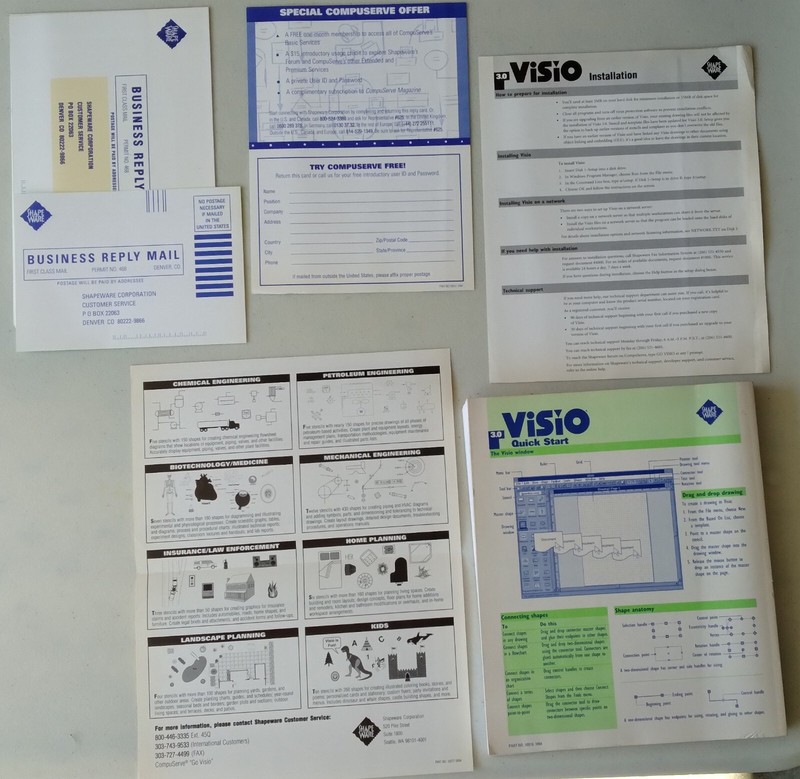
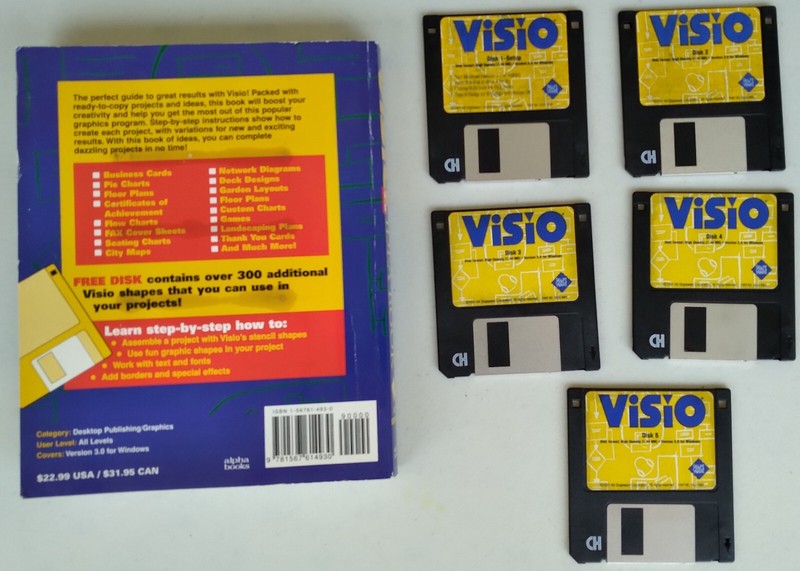
Visio 3.0 Desktop Publishing / Graphics for OS/2 2.x & higher with WinOS2, Win3.x/95/98/NT Original Visio 3.0 diskettes are mostly and/or fairly readable, notwithstanding, I will include a backup set which are in best condition. The original Visio 3.0 manual and the aftermarket 'Visio Idea Book' have some nicks and scuffs here and there, as well as slight accumulated dust; otherwise, both manuals have tight spine and clean, scribble-free, content pages. NOTE: The diskette labeled 'VISIO SHAPES for the Visio Idea Book' attached to the inner back cover of the aftermarket 'Visio Idea Book' is still sealed inside its plastic pocket; accordingly, I have no idea if it is readable or not. (from 'What's new in Visio 3.0' pamphlet) New SmartConnector technology provides improved connectors and a new connector tool, so it's easier than ever to create flowcharts and other drawings. With new dynamic glue, connectors automatically move to the closest connection point as you move the shape. (See Chapter 2. "Adding, arranging, and connecting shapes.")Switchable interfaces make it easy to change toolbar and menu sets. Choose the Visio standard interface or an interface designed to resemble Microsoft Office or Lotus SmartSuite applications. (See Chapter 1, "Getting started with Visio")Print preview shows you how a drawing will look when it's printed. You can also edit a drawing in Print Preview mode. (See Chapter 5, "Creating and printing drawing pages")New file format enables saving smaller files that open faster and require less disk space. (See Chapter 1, "Getting started with Visio")Lotus Notes support offers a two-way exchange of information between Visio and Lotus Notes. (See Chapter 7, "Using Visio with other applications.")Heavy dashed lines provide an additional choice for formatting lines. (See Chapter 3, "Creating shapes.") All sales final; please elaborate upon my previous statement before you submit a bid for the item(s).
Specifications
| All Returns Accepted | ReturnsNotAccepted |
| Brand | Shapeware Software |
| Format | Floppy 3.5" |
| License Category | Standard |
| For Operating Systems | IBM OS/2 |
Visio 3.0 Desktop Publishing / Graphics for OS/2 2.x & higher with WinOS2, Win3.x/95/98/NT Original Visio 3.0 diskettes are mostly and/or fairly readable, notwithstanding, I will include a backup set which are in best condition. The original Visio 3.0 manual and the aftermarket ‘Visio Idea Book’ have some nicks and scuffs here and there, as well as slight accumulated dust; otherwise, both manuals have tight spine and clean, scribble-free, content pages. NOTE: The diskette labeled ‘VISIO SHAPES for the Visio Idea Book’ attached to the inner back cover of the aftermarket ‘Visio Idea Book’ is still sealed inside its plastic pocket; accordingly, I have no idea if it is readable or not. (from ‘What’s new in Visio 3.0’ pamphlet) New SmartConnector technology provides improved connectors and a new connector tool, so it’s easier than ever to create flowcharts and other drawings. With new dynamic glue, connectors automatically move to the closest connection point as you move the shape. (See Chapter 2. “Adding, arranging, and connecting shapes.”)Switchable interfaces make it easy to change toolbar and menu sets. Choose the Visio standard interface or an interface designed to resemble Microsoft Office or Lotus SmartSuite applications. (See Chapter 1, “Getting started with Visio”)Print preview shows you how a drawing will look when it’s printed. You can also edit a drawing in Print Preview mode. (See Chapter 5, “Creating and printing drawing pages”)New file format enables saving smaller files that open faster and require less disk space. (See Chapter 1, “Getting started with Visio”)Lotus Notes support offers a two-way exchange of information between Visio and Lotus Notes. (See Chapter 7, “Using Visio with other applications.”)Heavy dashed lines provide an additional choice for formatting lines. (See Chapter 3, “Creating shapes.”) All sales final; please elaborate upon my previous statement before you submit a bid for the item(s).