
Peppermint OS Full Latest Version Multiboot DVD or USB Flash Drive
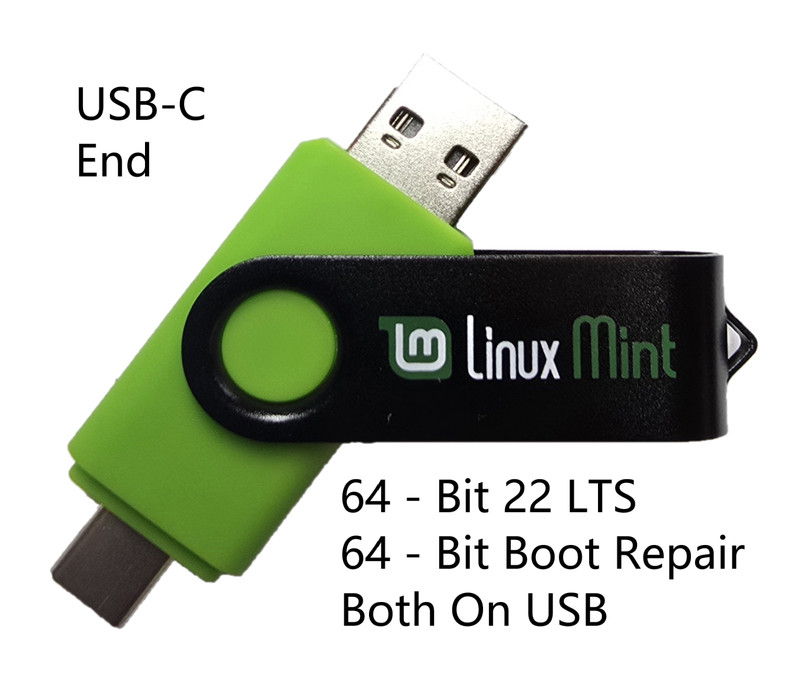
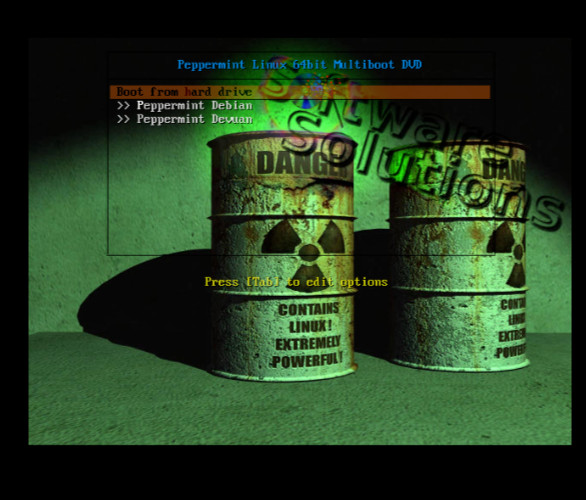
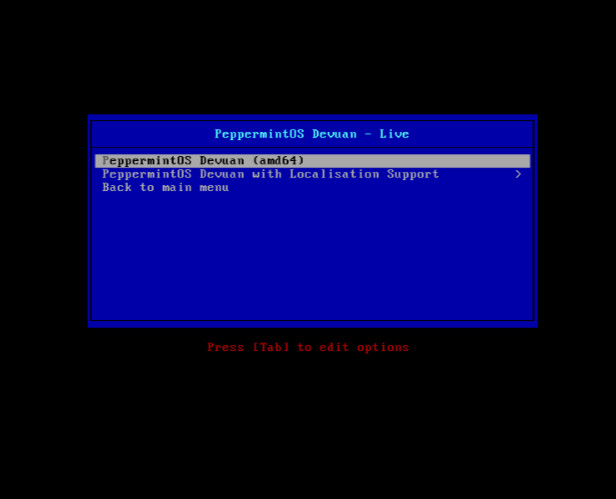
This listing is for either a DVD or USB flash drive and will include 32bit, 64bit versions of of PeppermintOS. The team behind PeppermintOS aims to deliver a web-centric distribution that is easy to use and understand, and to rely on a lightweight footprint GUI. Major changes happened in PeppermintOS . The based distribution went from Ubuntu to Debian, and the desktop environment from LXDE to Xfce. Peppermint OS ships with few native applications and a traditional desktop interface. What originally made it unique was its approach to creating a hybrid desktop that integrated both cloud and local applications.[9] In place of traditionally native applications for common tasks (word processing, image editing), it ships with the custom Ice application, which allows users to create site-specific browsers (SSBs). In Peppermint OS, the open-source Firefox browser is used to enable a site-specific browser (SSB) for cloud applications. Instead of opening a browser and then visiting an application site, a dedicated browser window is integrated into the system for a specific application.[9] Support for Firefox (alongside Chromium and Chrome web browsers) was added to the custom Ice application in 2015, allowing the creation of SSBs in a web browser window. Peppermint OS is a project where you can marry the cloud to the desktop.[11] As with any Ubuntu based operating system, applications can be installed natively from Ubuntu compatible repositories, allowing one to run cloud-based applications alongside desktop software.Like any other Linux distribution, it allows installing packages like LibreOffice, GIMP, VLC, Skype, etc. Peppermint is built from Ubuntu and supports whatever Ubuntu supports. Peppermint OS ships with mintInstall, Synaptic, and GDebi to facilitate this. Note the media is generic will not include any PeppermintOS specific labeling.
Specifications
| All Returns Accepted | ReturnsNotAccepted |
| Brand | Peppermint OS |
| Type | Operating System |
| Format | DVD / USB flash drive |
| Minimum Hard Drive Space | 10 GB |
| License Category | Standard |
| Minimum RAM | 1 GB |
| Model | Peppermint OS |
| For Operating Systems | Linux |
| Number Of Devices | Unlimited |
This listing is for either a DVD or USB flash drive and will include 32bit, 64bit versions of of PeppermintOS. The team behind PeppermintOS aims to deliver a web-centric distribution that is easy to use and understand, and to rely on a lightweight footprint GUI. Major changes happened in PeppermintOS . The based distribution went from Ubuntu to Debian, and the desktop environment from LXDE to Xfce. Peppermint OS ships with few native applications and a traditional desktop interface. What originally made it unique was its approach to creating a hybrid desktop that integrated both cloud and local applications.[9] In place of traditionally native applications for common tasks (word processing, image editing), it ships with the custom Ice application, which allows users to create site-specific browsers (SSBs). In Peppermint OS, the open-source Firefox browser is used to enable a site-specific browser (SSB) for cloud applications. Instead of opening a browser and then visiting an application site, a dedicated browser window is integrated into the system for a specific application.[9] Support for Firefox (alongside Chromium and Chrome web browsers) was added to the custom Ice application in 2015, allowing the creation of SSBs in a web browser window. Peppermint OS is a project where you can marry the cloud to the desktop.[11] As with any Ubuntu based operating system, applications can be installed natively from Ubuntu compatible repositories, allowing one to run cloud-based applications alongside desktop software.Like any other Linux distribution, it allows installing packages like LibreOffice, GIMP, VLC, Skype, etc. Peppermint is built from Ubuntu and supports whatever Ubuntu supports. Peppermint OS ships with mintInstall, Synaptic, and GDebi to facilitate this. Note the media is generic will not include any PeppermintOS specific labeling.