Linux MINT 21 USB VANESSA Cinnamon 64-Bit Live Boot, Full Install for MAC, PC
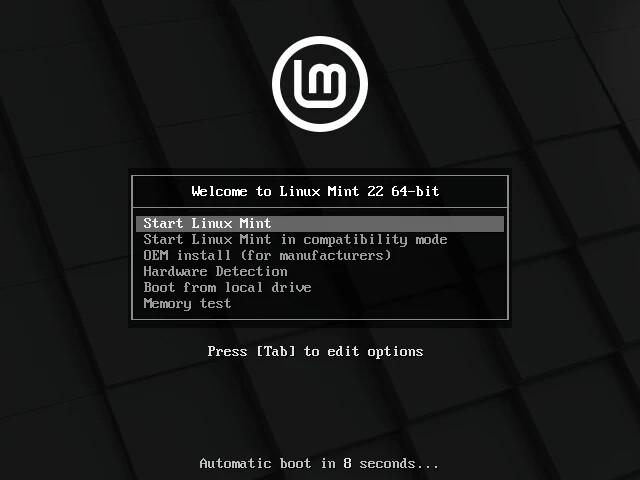
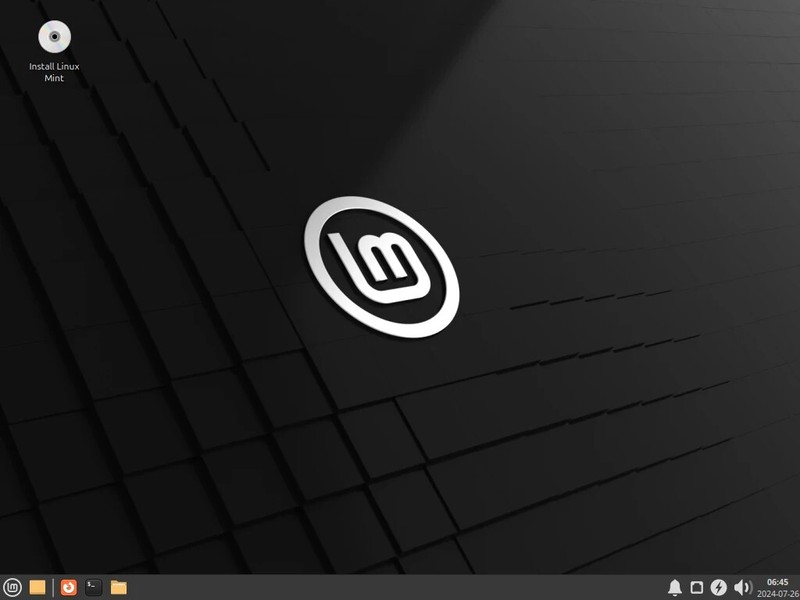
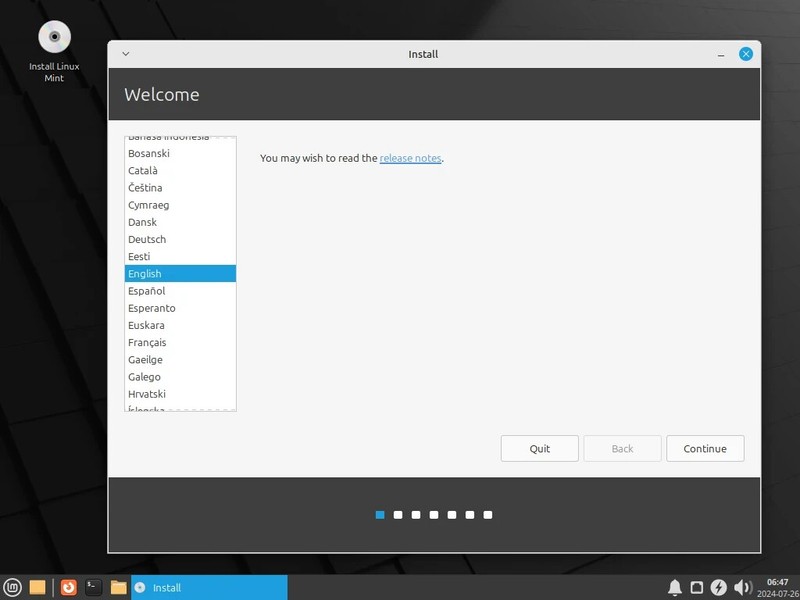
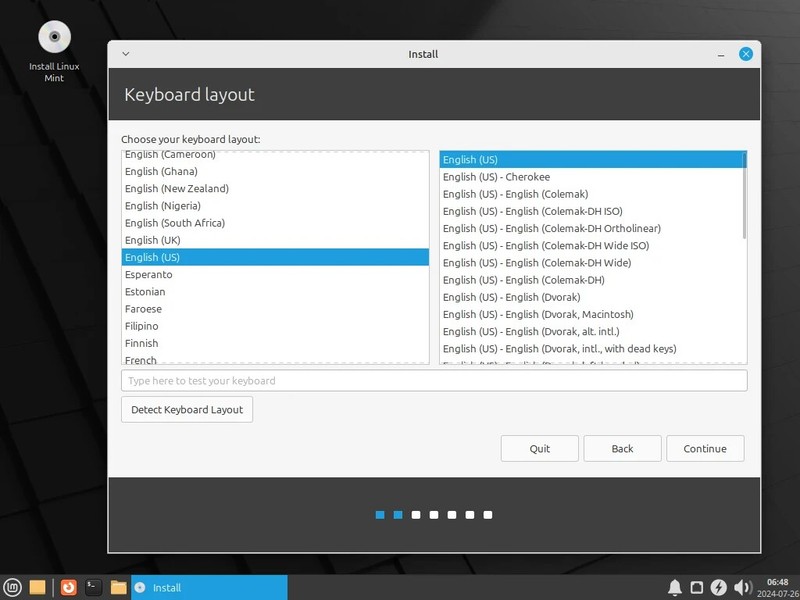
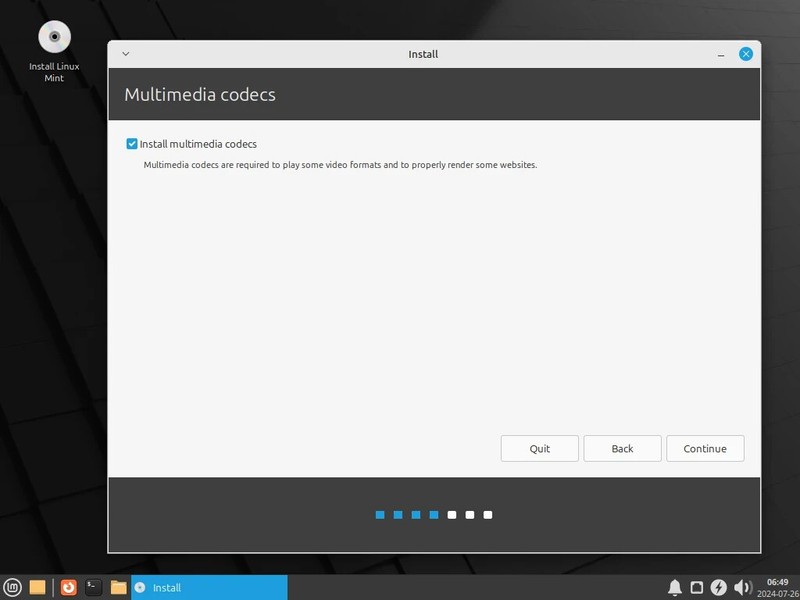
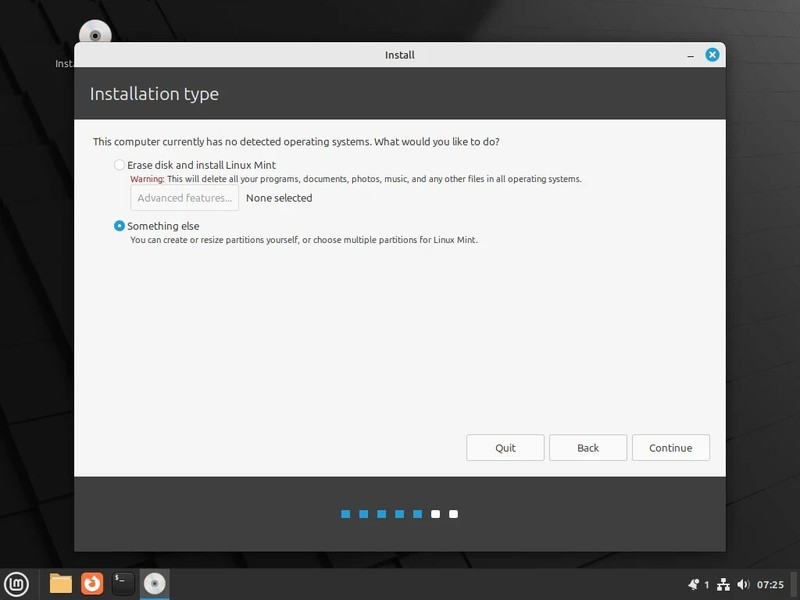
Linux Mint 21, Vanessa, Cinnamon 64-Bit (Live Boot, Full Installation)Fastest 32GB Gen 3.2 USB Drive What is Linux Mint?Linux Mint is an operating system for desktop and laptop computers. It is designed to work 'out of the box' and comes fully equipped with the apps most people need. 🍥 Graphic DesignWork in 3D with Blender, draw or edit pictures in Gimp, use Inkscape for vector graphics. 💻 ProductivityWith LibreOffice's complete office suite, use the word processor, make presentations, drawings, spreadsheets or even databases. Easily import from or export to PDF or Microsoft Office documents. 🎼 MultimediaEnjoy your music, watch TV and movies, listen to podcasts, Spotify and online radio. 🎮 GamingAccess more than 7,800 games with Steam. Install the Heroic Games Launcher or Lutris to get even more. Give it a try. You’ll Love it!⭐️ How to Boot Linux Mint from USB? ✅ Steps for Windows PC & Chromebooks Follow these easy steps:Turn-off your computerInsert the USB into any available USB portSwitch on your computerPress the key that allows your computer to boot to an alternate device (ESC on many HPs, F12 on many Dells, F8 on many custom builds, yours may vary, see your computer's documentation)At the Book-up screen, select Boot from USB Interface option, press enter. Follow on-screen links for initiate OS.Wait for system to boot into Ubuntu LinuxThat's it! Enjoy!✅ Step for Apple Macs Devices Follow these easy steps: Turn-off your computerInsert the USB into any available USB portSwitch on your computerPress the Option key on your keyboard to go the boot menuSelect EFI BookFollow on-screen links for initiate OS.Wait for system to boot into Ubuntu LinuxThat's it! Enjoy!⭐️ LOOK AT MY AWESOME FEEDBACK, BUY WITH 100% CONFIDENCE!
Specifications
| Return Shipping Will Be Paid By | Buyer |
| All Returns Accepted | Returns Accepted |
| Item Must Be Returned Within | 30 Days |
| Refund Will Be Given As | Money Back |
| Platform | Linux |
| License Category | open source |
| Minimum RAM | 2 GB |
| For Operating Systems | Linux Mint |
| California Prop 65 Warning | No Problems |
| Operating Systems | Linux Mint |
| Brand | Linux Mint |
| Type | Live USB |
| Format | USB |
| Unit Type | Unit |
| Minimum Hard Drive Space | Live USB |
| Language | English |
| Model | Linux Mint USB |
| Minimum Processor Speed | 2 GHz |
| Country/Region Of Manufacture | United States |
| Number Of Devices | Unlimited |
Linux Mint 21, Vanessa, Cinnamon 64-Bit (Live Boot, Full Installation)Fastest 32GB Gen 3.2 USB Drive What is Linux Mint?Linux Mint is an operating system for desktop and laptop computers. It is designed to work ‘out of the box’ and comes fully equipped with the apps most people need. 🍥 Graphic DesignWork in 3D with Blender, draw or edit pictures in Gimp, use Inkscape for vector graphics. 💻 ProductivityWith LibreOffice’s complete office suite, use the word processor, make presentations, drawings, spreadsheets or even databases. Easily import from or export to PDF or Microsoft Office documents. 🎼 MultimediaEnjoy your music, watch TV and movies, listen to podcasts, Spotify and online radio. 🎮 GamingAccess more than 7,800 games with Steam. Install the Heroic Games Launcher or Lutris to get even more. Give it a try. You’ll Love it!⭐️ How to Boot Linux Mint from USB? ✅ Steps for Windows PC & Chromebooks Follow these easy steps:Turn-off your computerInsert the USB into any available USB portSwitch on your computerPress the key that allows your computer to boot to an alternate device (ESC on many HPs, F12 on many Dells, F8 on many custom builds, yours may vary, see your computer’s documentation)At the Book-up screen, select Boot from USB Interface option, press enter. Follow on-screen links for initiate OS.Wait for system to boot into Ubuntu LinuxThat’s it! Enjoy!✅ Step for Apple Macs Devices Follow these easy steps: Turn-off your computerInsert the USB into any available USB portSwitch on your computerPress the Option key on your keyboard to go the boot menuSelect EFI BookFollow on-screen links for initiate OS.Wait for system to boot into Ubuntu LinuxThat’s it! Enjoy!⭐️ LOOK AT MY AWESOME FEEDBACK, BUY WITH 100% CONFIDENCE!