

Interface Introduction To Mastercam X9, X8, X7 or X6 - Video Training
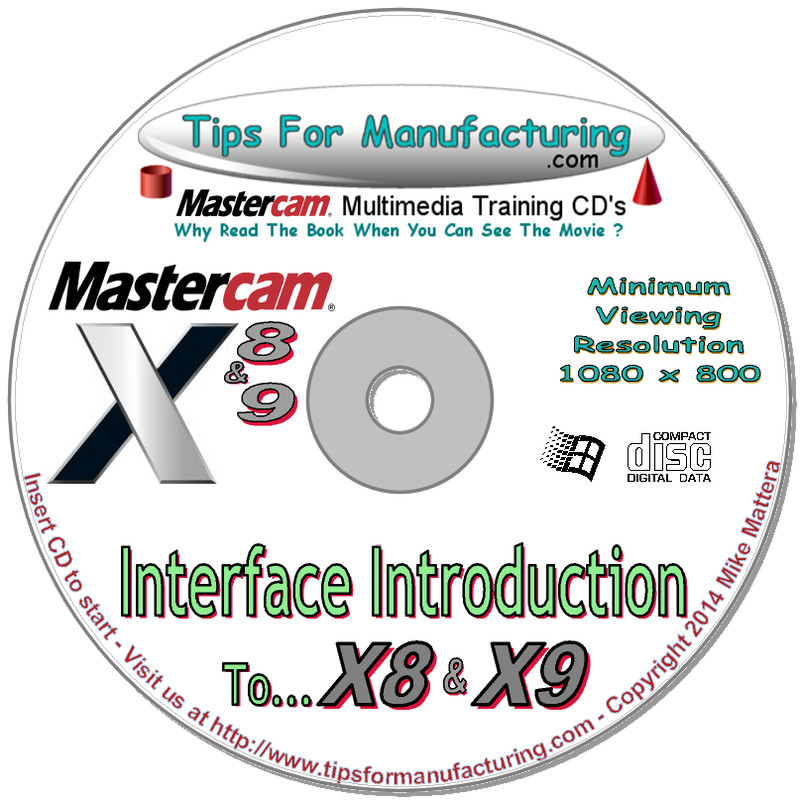
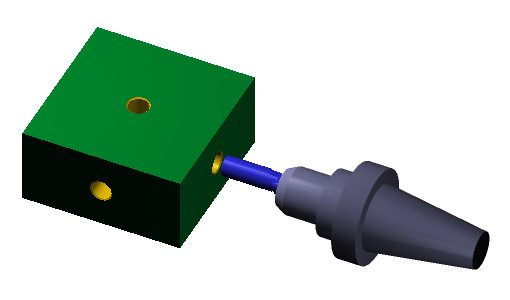
Interface Introduction To Mastercam X9, X8, X7 or X6 Essential Information for anyone who uses Mastercam X9, X8, X7 or X6. You'll be amazed at all of the little things you didn't know and how much more you can accomplish. Essential information for the serious Mastercam programmer. First Time Users and Long Time Users Will Both Find This CD Informative. Covers everything you need to get started drawing parts & making toolpaths. Detailed information about the Mastercam X interface and hotkeys. These lessons will explain the little things that make you more productive. If you're serious about being a Mastercam programmer, then this is the CD you want to start with.. Mastercam Interface. * Mastercam Screen areas * Mouse/Interface Control * Hotkey Short Cuts * Geometry/Drawing Parts * Live Entities (Lines, Arcs, Points) * Trim, Fillet, Join & Break Entities * Transformations (Rotate, Offset, etc...) * Coordinate Input Options * FastPoint, AutoCursor & Relative Picks * Work Offset/Zero Shift (WCS-G54) * Chaining/Selection Options * Working With Planes * Changing Entity Colors * Changing Entity Levels * Geometry Selection * Data From The Model * Solid Model Basics Mastercam Toolpaths Functions. * Introduction To 2D Toolpaths * Dynamic Roughing Toolpath (X8 & X9) * Setting Stock For Odd sized Parts * Analyzing The Model (corners, depths, etc...) * Pocketing * Drilling, Tapping & CT. Boring. * Copying Operations * Creating/Saving Operations Libraries * Includes Operations Libraries * Create Machine Groups * Create Toolpath Groups * Multiple Planes * Shifting Zeros * Work Offsets * Contour Toolpaths * Incremental / Absolute * Rapid Clearance Control * Lead In / Lead Out The CD includes a Tapping Operations Library for machining tapped holes, quickly and efficiently. Introduction For Mastercam X8 & X9 Includes.... 5.0 Hours of Video with Audio Narration. 48 Lessons. 7 Different Projects. Introduction For Mastercam X6 or X7 Includes.... 4.0 Hours of Video with Audio Narration. 47 Lessons. 7 Different Projects. Personal, Professional Training Anytime You Want It. Learn things about the Mastercam Interface you never knew we're there. Covers basic geometry construction and 2D Toolpaths, as they apply to typical, everyday machining. Includes extensive information on Drilling for a variety of part types. Learn how to select holes by Color, Line style, Level and Size. Create reusable toolpath operations and make your own personal Toolpath Operations Library. Create Construction Planes, Work Coordinate Systems, Fixture Offsets and Shift Zero Points. Transformations make it quick and easy to create complex geometry. We Cover Mirror, Rotate & Dynamic Translations No Internet Connection Required. No Monthly Subscription. The CD Never Expires. Watch These Lessons Any Time That’s Convenient For You. This CD Rom runs in 1280 x 800 resolution on any PC with Internet Explorer 9+ or Firefox Browsers. Microsoft Windows XP, Vista, Win 7 thru Win 10 Compatible. 5 hours of video, with audio narration. A CD/DVD drive, Sound card & Speakers are required.
Specifications
| All Returns Accepted | ReturnsNotAccepted |
| License Category | Lifetime |
| Type | CAD & CAM |
| Brand | Tips For Mfg. |
Interface Introduction To Mastercam X9, X8, X7 or X6 Essential Information for anyone who uses Mastercam X9, X8, X7 or X6. You’ll be amazed at all of the little things you didn’t know and how much more you can accomplish. Essential information for the serious Mastercam programmer. First Time Users and Long Time Users Will Both Find This CD Informative. Covers everything you need to get started drawing parts & making toolpaths. Detailed information about the Mastercam X interface and hotkeys. These lessons will explain the little things that make you more productive. If you’re serious about being a Mastercam programmer, then this is the CD you want to start with.. Mastercam Interface. * Mastercam Screen areas * Mouse/Interface Control * Hotkey Short Cuts * Geometry/Drawing Parts * Live Entities (Lines, Arcs, Points) * Trim, Fillet, Join & Break Entities * Transformations (Rotate, Offset, etc…) * Coordinate Input Options * FastPoint, AutoCursor & Relative Picks * Work Offset/Zero Shift (WCS-G54) * Chaining/Selection Options * Working With Planes * Changing Entity Colors * Changing Entity Levels * Geometry Selection * Data From The Model * Solid Model Basics Mastercam Toolpaths Functions. * Introduction To 2D Toolpaths * Dynamic Roughing Toolpath (X8 & X9) * Setting Stock For Odd sized Parts * Analyzing The Model (corners, depths, etc…) * Pocketing * Drilling, Tapping & CT. Boring. * Copying Operations * Creating/Saving Operations Libraries * Includes Operations Libraries * Create Machine Groups * Create Toolpath Groups * Multiple Planes * Shifting Zeros * Work Offsets * Contour Toolpaths * Incremental / Absolute * Rapid Clearance Control * Lead In / Lead Out The CD includes a Tapping Operations Library for machining tapped holes, quickly and efficiently. Introduction For Mastercam X8 & X9 Includes…. 5.0 Hours of Video with Audio Narration. 48 Lessons. 7 Different Projects. Introduction For Mastercam X6 or X7 Includes…. 4.0 Hours of Video with Audio Narration. 47 Lessons. 7 Different Projects. Personal, Professional Training Anytime You Want It. Learn things about the Mastercam Interface you never knew we’re there. Covers basic geometry construction and 2D Toolpaths, as they apply to typical, everyday machining. Includes extensive information on Drilling for a variety of part types. Learn how to select holes by Color, Line style, Level and Size. Create reusable toolpath operations and make your own personal Toolpath Operations Library. Create Construction Planes, Work Coordinate Systems, Fixture Offsets and Shift Zero Points. Transformations make it quick and easy to create complex geometry. We Cover Mirror, Rotate & Dynamic Translations No Internet Connection Required. No Monthly Subscription. The CD Never Expires. Watch These Lessons Any Time That’s Convenient For You. This CD Rom runs in 1280 x 800 resolution on any PC with Internet Explorer 9+ or Firefox Browsers. Microsoft Windows XP, Vista, Win 7 thru Win 10 Compatible. 5 hours of video, with audio narration. A CD/DVD drive, Sound card & Speakers are required.



+U3lF4BPyMs+BRmg~~60_1.JPG?set_id=8800005007)